
If you no longer want to play at Admiralcasino.co.uk, you can ask Admiral Casino to either close or delete your account. These are two different options, so it is important to choose the one that best matches your situation.
Closure vs Deletion: which option is right for you?
If you choose Closure, your account will be blocked. This means you will not be able to use it to play, but you may be able to reopen it later if you decide to return.
If you choose Deletion, you are asking Admiral Casino to permanently close your account and remove your account data. This option is best if you are sure you do not want to use your account again.
Step-by-step guide to closing your Admiral Casino account
Step 1: Decide whether you want closure or deletion
Before contacting Admiral Casino, decide whether you want a temporary account closure or permanent deletion. Use the word "Closure" if you may want to reopen the account later. Use "Deletion" if you want the account permanently removed.
Step 2: Contact Admiral Casino customer support
To start the process, you need to contact Admiral Casino's Customer Support Team. You can do this through the Contact Us page on Admiralcasino.co.uk.
Step 3: Choose your preferred contact method
You can contact Admiral Casino by live chat, phone, email, or contact form.
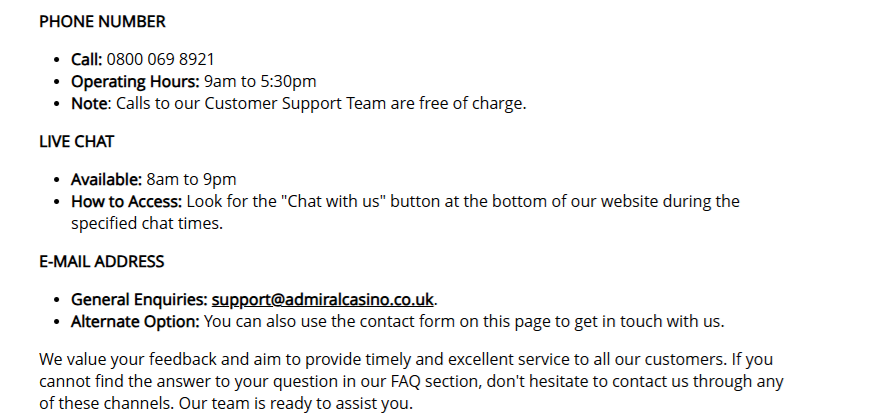
- Live chat is available from 8am to 9pm. Look for the "Chat with us" button at the bottom of the Admiral Casino website during these hours.
- Phone: call 0800 069 8921. Phone support is available from 9am to 5:30pm, and calls to the Customer Support Team are free of charge.
- Email: [email protected].
- Contact form on the Contact Us page on Admiralcasino.co.uk.
Step 4: Make your request clear
Tell support whether you want Closure or Deletion. Include your account details and ask for confirmation once the request has been completed.
After your request is processed, your account should no longer be available for normal play.
Admiral Casino contact details at a glance
- Phone: 0800 069 8921 (free), 9am to 5:30pm
- Live chat: 8am to 9pm via "Chat with us" on Admiralcasino.co.uk
- Email: [email protected]
- Contact form: available on the Contact Us page
Thinking of taking a longer break?
If you are closing your account because gambling is no longer fun, consider registering with GamStop as well. GamStop is the UK's national self-exclusion scheme and blocks you from all licensed online gambling sites in Great Britain for 6 months, 1 year or 5 years. You can also reach out to GamCare for free, confidential support.